Featured Article
The 20-20-20 rule, without the mythology.
Every 20 minutes, look at something about 20 feet away for 20 seconds. It’s a memorable prompt to stop continuous close-up screen work—not a medical treatment or a magic formula.
Why looking away may feel better
Screen work asks your eyes to focus at a close distance for long stretches. People also tend to blink less while using digital displays, which can contribute to dryness. Digital eye strain can include tired or sore eyes, dryness, blurred vision, headaches, and neck or shoulder discomfort.
Looking into the distance changes the focusing demand, while a short pause gives you a chance to blink, change posture, and notice whether your setup is uncomfortable. The American Optometric Association recommends the 20-20-20 rule as one way to help alleviate digital eye strain.
What the evidence actually says
The principle—take frequent breaks from sustained near work—is sensible and widely recommended. Evidence for the exact numbers is still limited and mixed.
A small two-week study of 29 symptomatic computer users found that reminders increased break-taking and reduced reported digital eye strain and dry-eye symptoms while the reminders were active. It did not find changes in most measured eye functions or clinical signs of dry eye. A separate controlled study of 30 young adults found that 20-second scheduled breaks did not significantly change symptoms during a demanding 40-minute reading task.
Twenty, twenty, twenty is easy to remember. You do not need to measure 20 feet precisely, stare at one object, or abandon a task at exactly 20 minutes. Look across the room or out a window, let your focus relax, blink naturally, and return when the short break is over.
How to make it practical
- Choose a distant target. A view through a window is ideal, but the far side of a room is useful when 20 feet is unavailable.
- Look away from every screen. Switching from your Mac to your phone is still close-up screen work.
- Blink normally. Do not force or count blinks; simply use the pause to notice dryness and let your eyes close naturally.
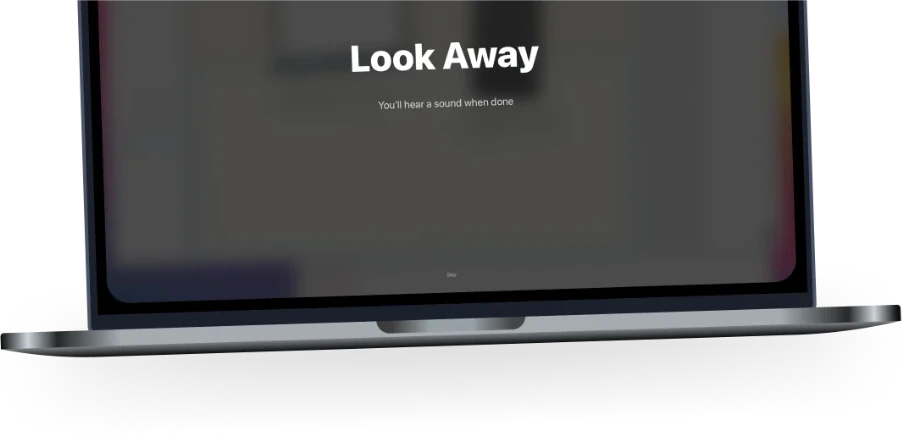
- Make the reminder hard to miss. A subtle notification is easy to dismiss. Intermission can cover every display for the duration you choose.
- Protect important moments. Pausing during a meeting or presentation makes a habit harder to sustain. Intermission can defer breaks during meetings, videos, screen sharing, and full-screen work.
Breaks are only one part of a comfortable setup
Adjust glare and lighting, increase text size instead of leaning toward the screen, keep your display at a comfortable distance, and position it so your gaze is slightly downward. The AOA also recommends a longer 15-minute break after two hours of continuous device use.
When to speak with an eye-care professional
Screen breaks cannot diagnose or correct an underlying vision problem. If discomfort persists, is severe, or includes recurring blurred or double vision, arrange a comprehensive eye exam. Seek prompt medical care for sudden vision changes, severe eye pain, new flashes or floaters, or an eye injury.
Medical sources
- American Optometric Association: Computer vision syndrome
- Talens-Estarelles et al. (2023): Testing the 20-20-20 rule
- Johnson and Rosenfield (2023): Are these numbers justified?
This page is general educational information, not individualized medical advice. Last reviewed September 10, 2026.