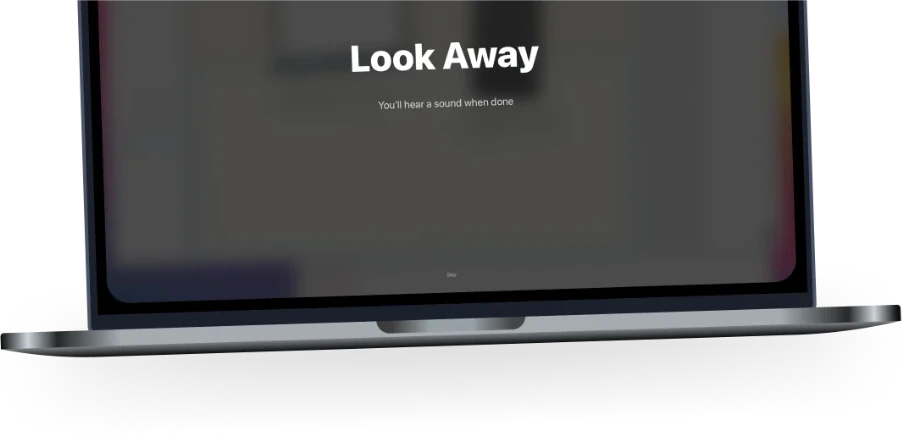

Gentle or Firm
Choose notifications or full-screen breaks. Skip immediately, after a short wait, or not at all.
 Intermissionfor macOS
Download
Intermissionfor macOS
Download
Take regular screen breaks with gentle notifications or full-screen reminders. Choose how hard they are to skip.
Try free for 7 days, then $7.99 once·No Subscription
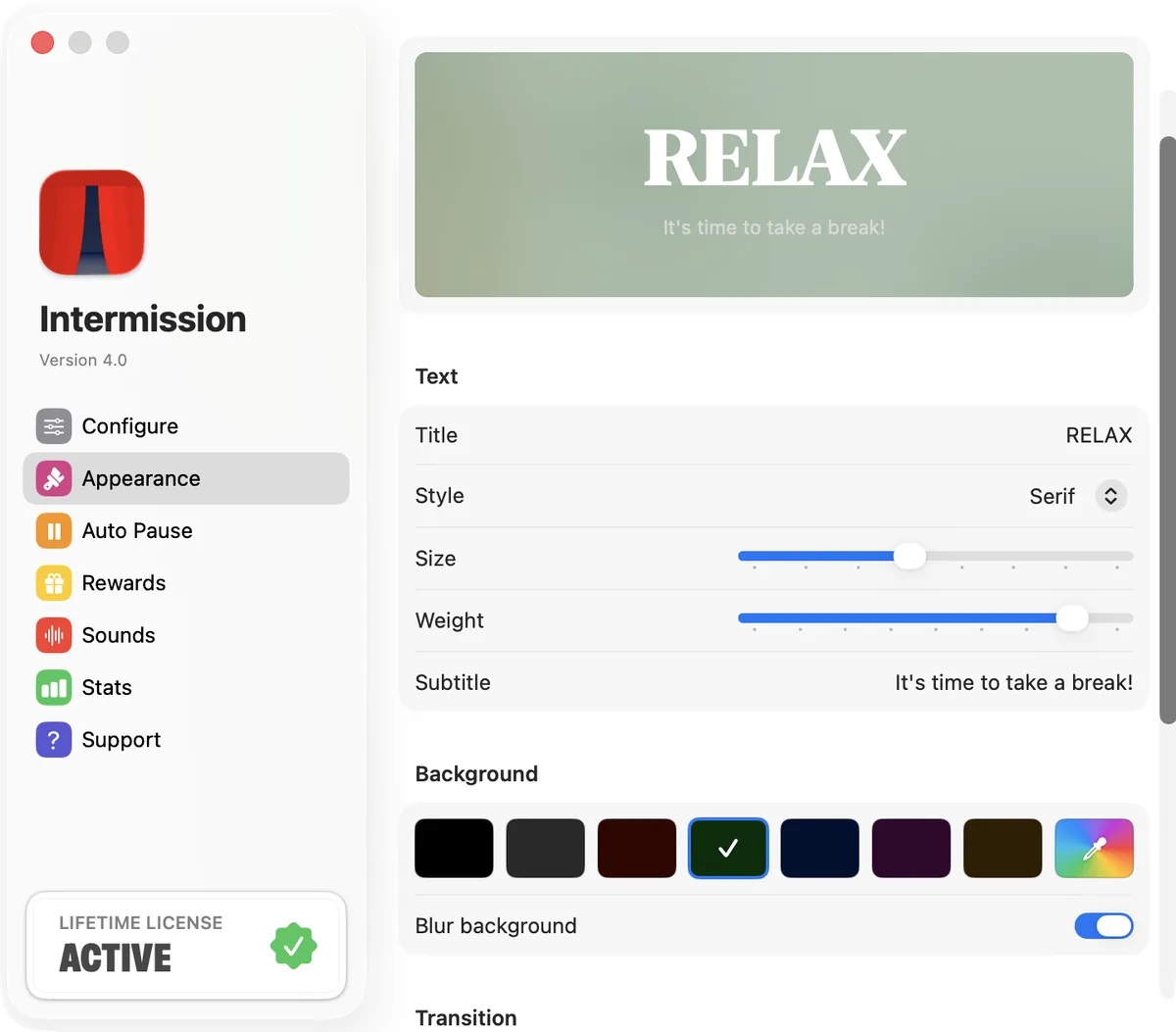
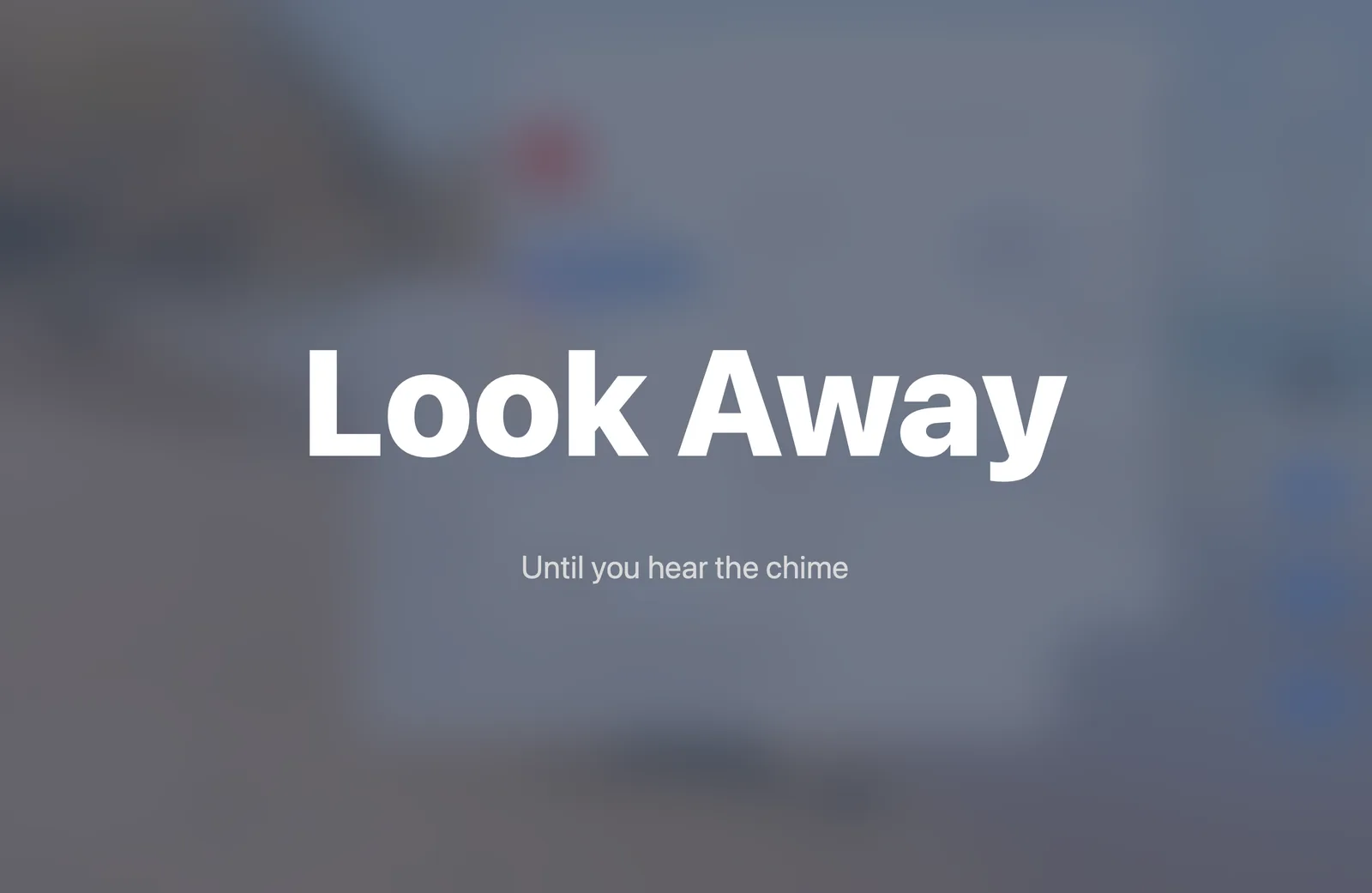
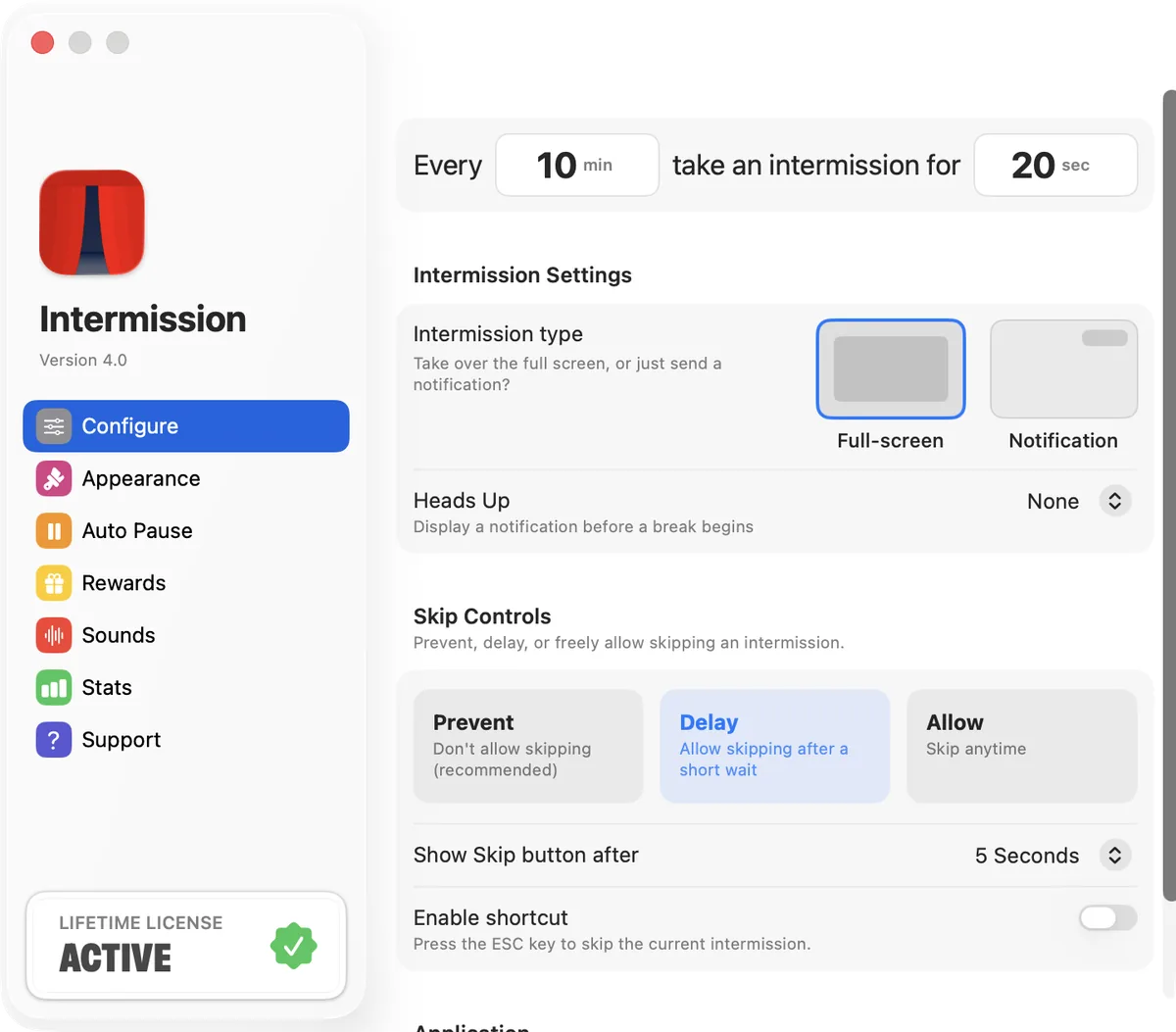
Choose notifications or full-screen breaks. Skip immediately, after a short wait, or not at all.
Auto Pause helps breaks wait during calls, videos, screen sharing, and full-screen apps.
Full-screen breaks cover every connected display, so another screen won’t distract you.
Featured by Apple, MacRumors
Intermission helps you look away, stand up, or reset at regular intervals. It stays quietly in your menu bar until it’s time for a break. Follow the 20-20-20 rule or choose a schedule that suits your day.
A native Mac utility without accounts, subscriptions, or unnecessary complexity. Start with the defaults, then adjust Intermission to fit your day.
Start a Focus Timer and finish your work session with a break.
Set your timing, message, colors, fonts, and chimes—or keep the defaults.
Intermission recognizes time away from your Mac and adjusts your next reminder.
Build a streak and reveal artwork after completing a break.
HUNDREDS of 5 STAR RATINGS
You don't have to take our word for it, these are actual quotes from reviews on the App Store:
“20/20/20 break schedule seemed like a huge burden. This has really fit the bill.”
“I've been using this for months maybe a year. I was afraid I might skip the breaks because the break reminders can be a bit annoying. But Intermission presents it in a good way, and I find I always listen to the reminder because I can tolerate 20 seconds of interruption in the interest of my health. Bonus, I sometimes combine it with other break activities like standing/stretching. I've gotten used to the breaks by now actually. It starts automatically when I start my computer; I don't have to remember to set a timer or anything. And on the occasion that I do need to skip or delay breaks, it's very easy and intuitive to do. I've also easily found how to change the message it displays during breaks if I want, among the couple of other simple settings it has. I use this app every time I open my laptop. An app is a great solution for implementing the 202020 rule, and this particular app executes it beautifully.”
“Wow! From day one of using this app I couldn't beleive how much less my eyes and head hurt. I thought I needed a new prescription in my glasses. Turns out I just needed to look away from my screen more often! Totally worth the money!”
“I have had over 24000 intermissions.”
“I’m glued to a screen and this app keeps me sane.”
“I have been struggling to follow the 20-20-20 rule for years and this little app actually does the trick for me.”
“Works great. It blocks access to any screen also (I have 3 monitors) and I really got the habit of eye breaks thanks to this. Really recommended.”
“Only app that I have used that really works to ensure you’re properly taking breaks.”
BASED on the 20 20 20 RULE